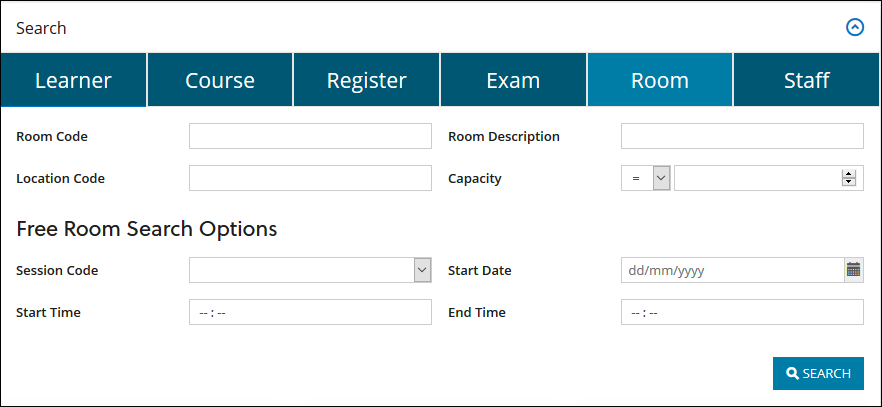
The room search is one of the standard searches you can undertake in Ontrack Staff Hub. You can search for a room using the room code, room description, session code, and so on. For example, to search for rooms with the description of meeting. The image below shows the search options for finding a room.
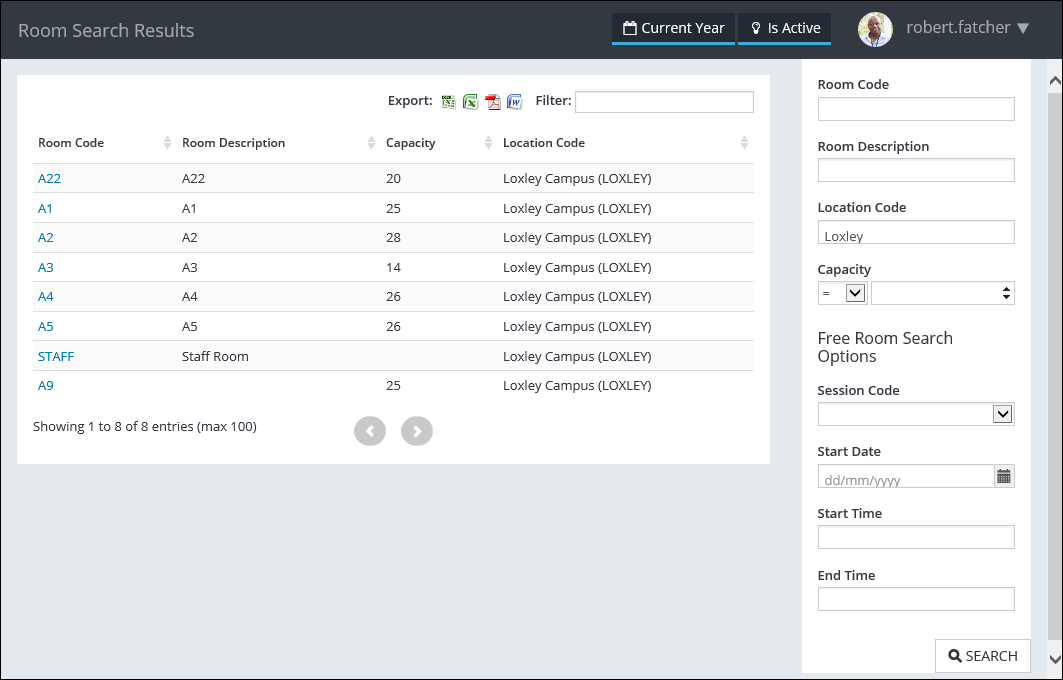
After searching for a room, you can drill-down on the room code to view details about the room or book the room. The image below shows the room search results and the options for viewing the room details or booking the room.
Room booking
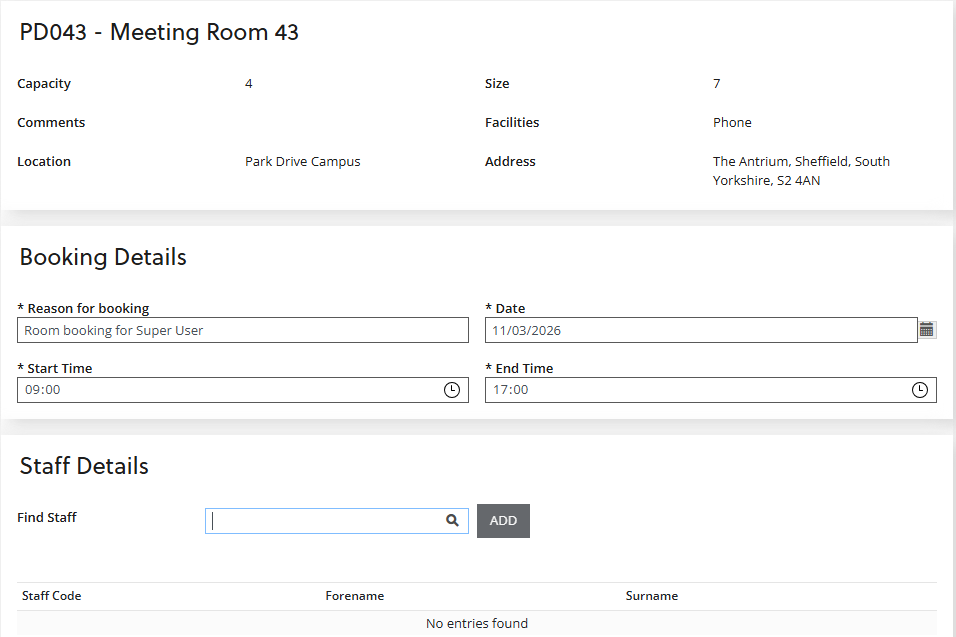
After finding the room of interest, you can book the room and add staff members to the meeting. You must add a reason for booking and the date and time for the room booking, as shown in the image below. Note that any meeting clashes are shown in a pop-up window on selecting to book the room.
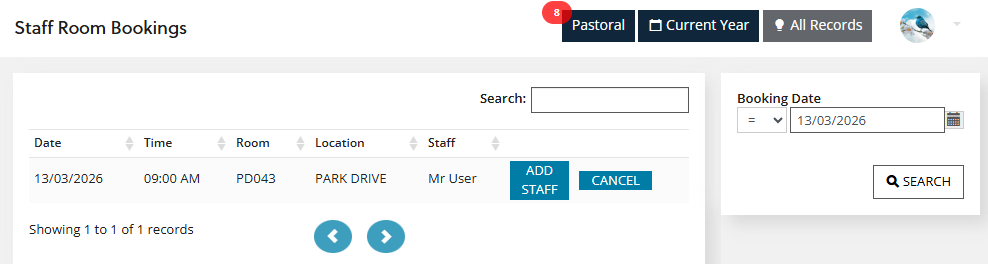
After booking the meeting, any staff that have been added are notified by email. You can then add more staff or cancel the meeting from the staff room bookings page, as shown in the image below.